
What 'AI Video Generator' Actually Means for YouTube Automation
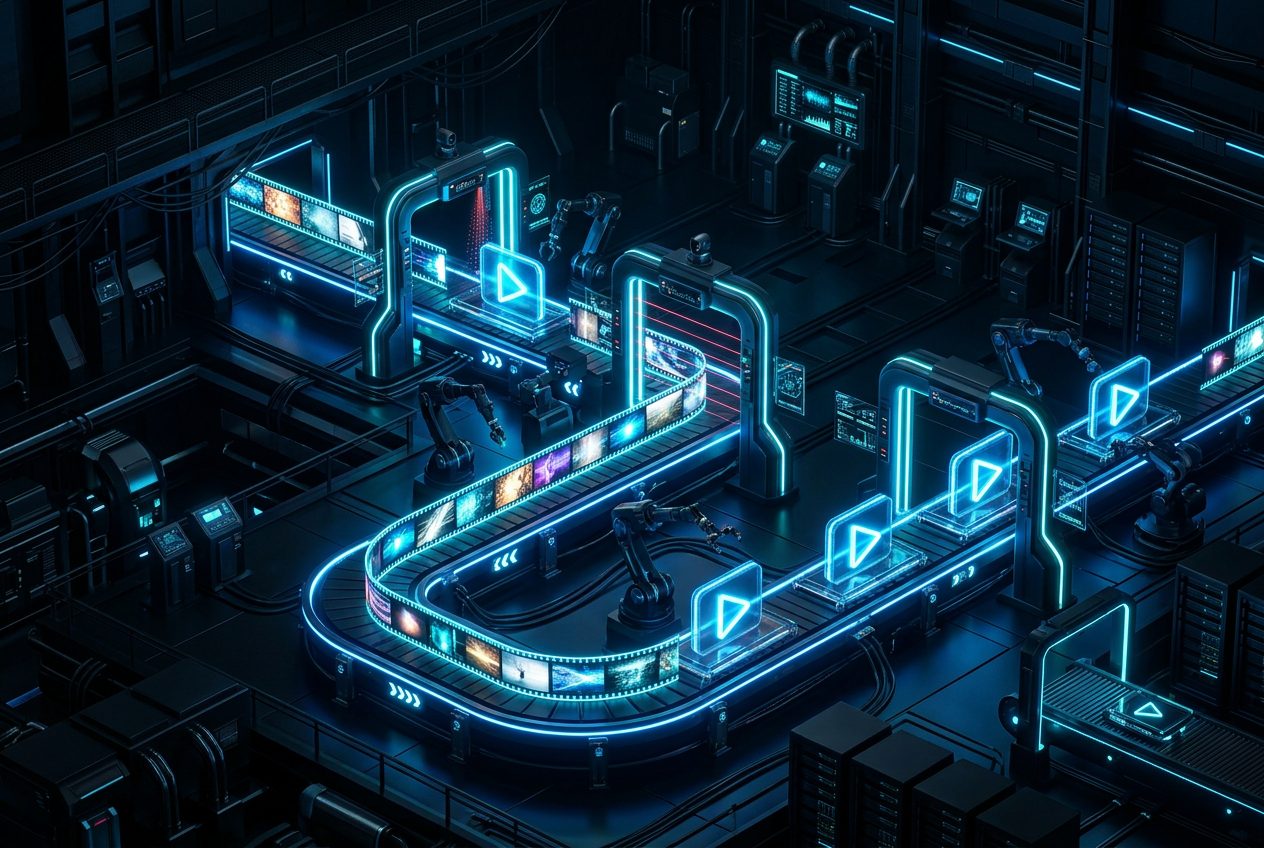
The phrase 'AI video generator' covers a wide range of tools, and that range matters a lot when you are building a faceless channel at scale. Some tools turn a text prompt into stock-footage slideshows. Others write a full script, generate a voiceover, create original visuals, render an MP4, and push it to your YouTube schedule. These are very different products solving very different problems.
Before comparing anything, get clear on your bottleneck. If you just need faster editing, a clip-assembly tool is fine. If you want to publish consistently without touching a timeline, you need a tool that handles the full pipeline — script, voice, visuals, and publishing — not just one piece of it.
The Main Tools Competing for YouTube Automation Creators in 2026
InVideo AI, Pictory, Fliki, and AutoShorts.ai are the most searched names in this space, and each has a genuinely different strength. InVideo AI is strong on templates and social clips. Pictory excels at turning existing blog posts or long-form text into video. Fliki is popular for its voice quality and slide-style output. AutoShorts.ai is built specifically for Shorts automation with minimal manual input.
If you want a side-by-side look at how these stack up against a full-pipeline alternative, the all comparisons page covers each one honestly. The short version: no single tool listed above handles script generation, original AI visuals, voiceover, rendering, and YouTube scheduling in one place without stitching together extra services.
Videoileo was built to close that gap — it generates the script, produces the voiceover, creates original visuals (not stock footage), renders the final MP4, and schedules the video to your YouTube channel as part of a series workflow. Whether that trade-off is worth it for you depends on what you value most.
Stock Footage vs. Original AI Visuals: Why It Matters for Long-Term Channels
Most video generators in 2026 still assemble stock footage or B-roll clips to match your script keywords. This works fine early on, but it creates two problems as your channel grows: your videos start looking identical to dozens of other faceless channels using the same libraries, and licensing edge cases become a real headache at scale.
Original AI-generated visuals — images or short video clips created fresh from your script — give every video a consistent look that belongs to your channel. That visual identity is one of the few things that makes a faceless channel feel like a brand rather than a content mill.
- Stock footage is faster to generate but widely shared across competing channels
- AI-original visuals take slightly longer but are unique to your video
- Consistent visual style builds brand recognition without a face on screen
- Check whether a tool generates visuals or just assembles clips before committing
- Some tools offer both — know which mode you are actually using
Voiceover Quality: The Single Most Noticed Element in Faceless Videos
Viewers tolerate a lot — average thumbnails, plain backgrounds, slow pacing — but a robotic or clipping voiceover will kill retention within the first 30 seconds. Voiceover quality is not equal across AI tools, and most platforms only let you preview one or two voices before you buy.
When evaluating any tool, listen to a full 60-second sample in the voice you plan to use, not just the demo clip. Pay attention to how it handles pauses, questions, and emphasis — natural rhythm matters more than raw audio quality. The AI voiceover guide has a full breakdown of what to listen for before choosing a platform.
- Test a 60-second sample, not a 10-second marketing demo
- Listen for unnatural pauses at commas and periods
- Check whether emphasis and tone shift appropriately in questions
- Confirm the voice you want is included in the plan you are considering
- Some platforms charge per word or per minute — calculate real costs at your volume
Rendering Speed and Batch Output: What Scales, What Bottlenecks
If you are publishing two to four videos per week, rendering speed rarely matters. If you are running multiple channels or doing a content sprint to hit monetization thresholds faster, slow render queues become your biggest constraint. Some tools process videos in real time; others queue jobs and deliver in hours.
Batch output — the ability to queue several videos at once — is the feature most creators overlook until they actually need it. Ask whether a tool lets you set up five videos on Sunday night and wake up with five rendered files, or whether each video requires you to stay active in the interface.
YouTube Scheduling: The Feature That Separates Automation Tools from Editing Tools
Direct YouTube scheduling — where the tool publishes to your channel on a set date and time without you exporting and uploading manually — is offered by fewer platforms than the marketing suggests. Many tools stop at the MP4 download step and call it automation.
True scheduling means the tool connects to your YouTube account via the official API, sets your title, description, and tags, and queues the upload without you being present. This is the feature that makes a one-person operation feel like a team. Videoileo handles this natively as part of its series workflow, which is useful if consistent publishing cadence is a priority for your channel.
Before committing to any platform, test the scheduling flow end to end — not just the demo video — because API connection issues and permission scopes are where most tools break in real use.
- Confirm the tool connects directly to YouTube via official API, not just CSV export
- Check whether scheduling is included in your plan tier or a paid add-on
- Test setting a future publish date and verifying it appears in YouTube Studio
- Look for series or bulk scheduling, not just single-video queuing
- Make sure title, description, and tags are carried over automatically, not just the video file
How to Choose the Right Tool for Your Channel Stage
If you are pre-monetization and testing a niche, a cheaper or free-tier tool that covers script-to-video basics is a sensible starting point. You do not need native YouTube scheduling when you are publishing twice a week and manually uploading takes five minutes. Optimize for speed of learning, not workflow automation.
Once you have a proven niche and are publishing consistently, the math shifts. Time spent on manual steps — exporting, uploading, writing descriptions — compounds weekly. That is when a full-pipeline tool with native scheduling pays for itself, because your bottleneck changes from 'finding what works' to 'producing enough of what works at a sustainable pace.'
The /compare page has honest notes on pricing tiers across the main tools if you want to run the numbers at your current or target publishing volume before committing to anything.